Pulse Trail
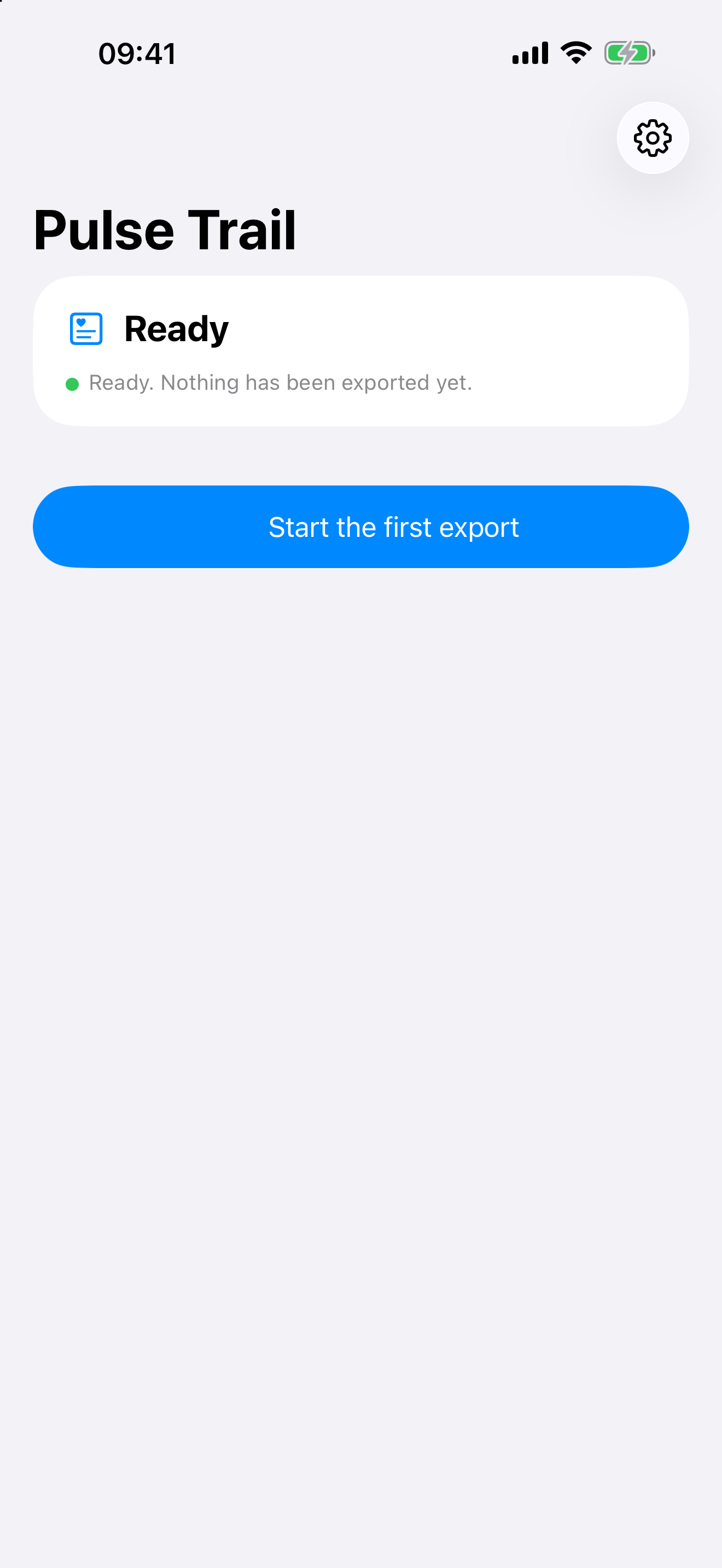
Pulse Trail first-run screen showing a Ready status card and a single Start the first export button
Start in one tap
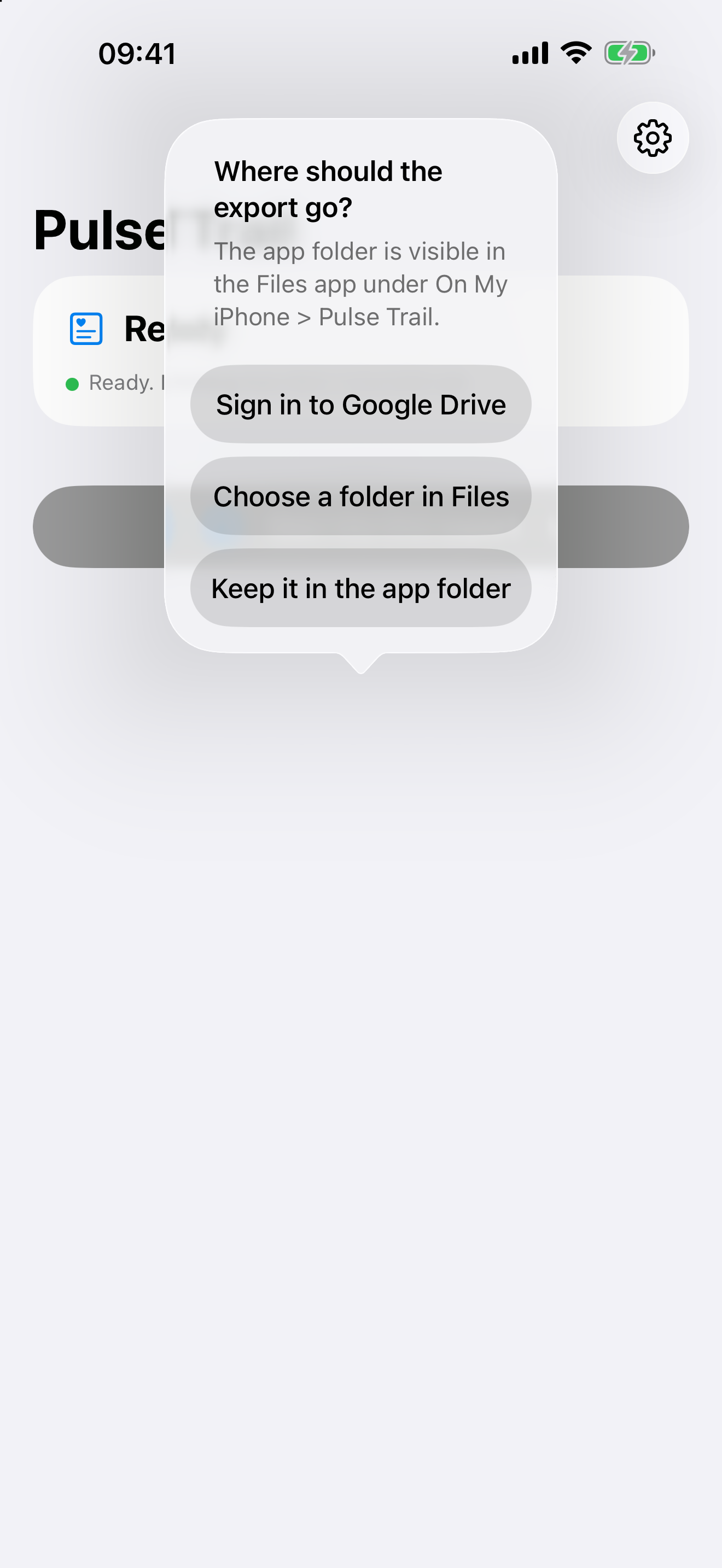
Destination sheet offering Sign in to Google Drive, Choose a folder in Files, or Keep it in the app folder
Choose where it lives
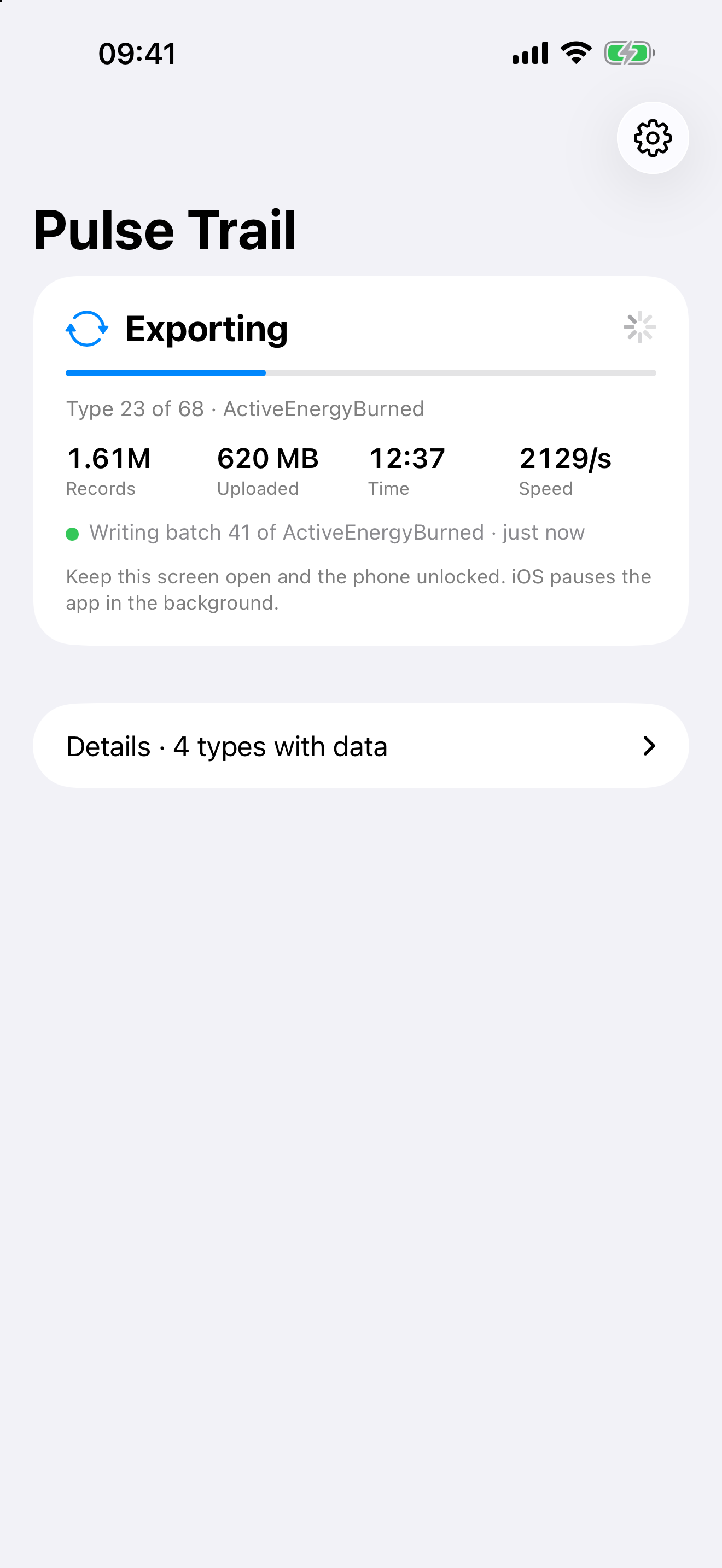
Exporting screen with simulated demo figures showing progress bar, records read, megabytes uploaded, elapsed time, and speed
Watch every step
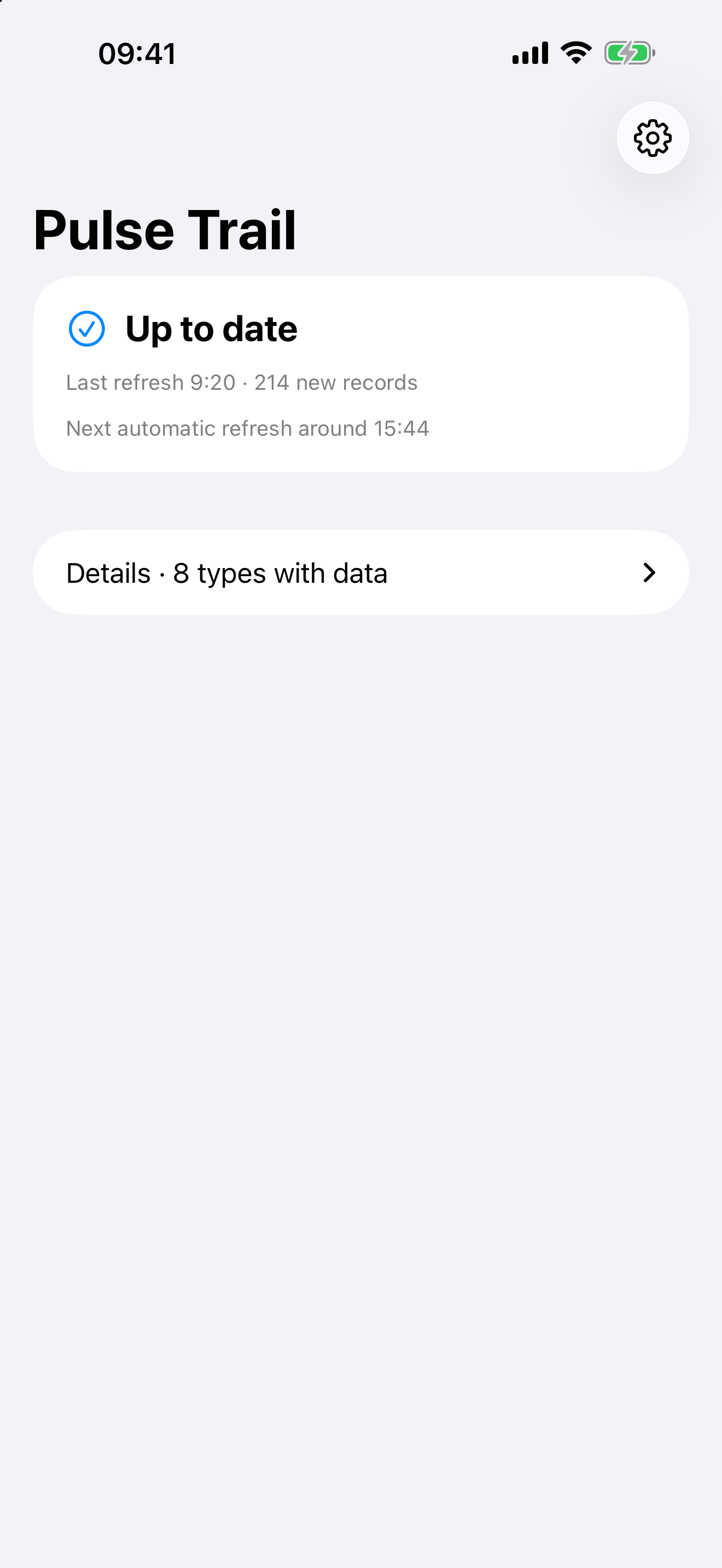
Up to date screen showing the last refresh time, new record count, and next automatic hourly refresh
Calm at rest
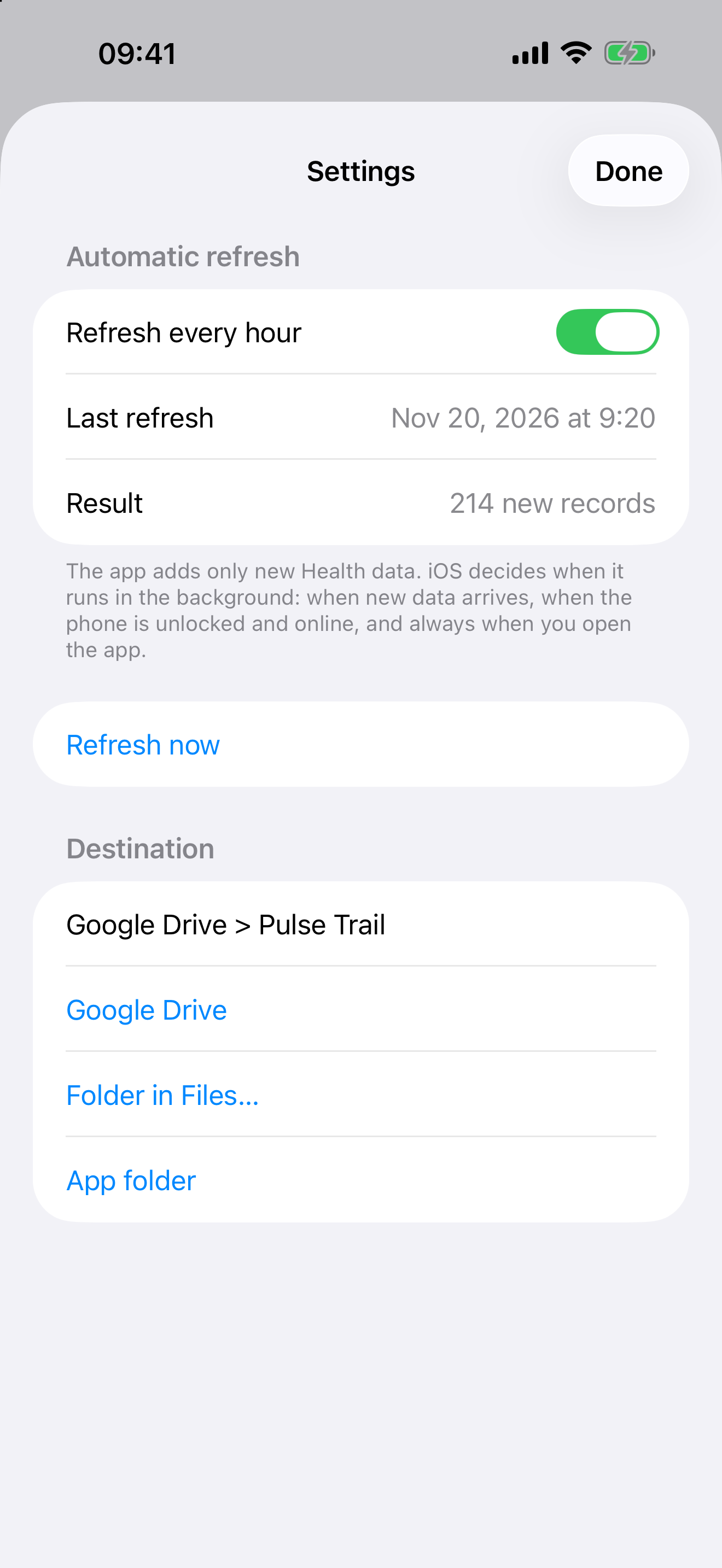
Settings screen with the Refresh every hour toggle, Refresh now button, and Destination options
Simple settings

Simulated demo data shown — zero real health records.